
Bring 3D Worlds to Life
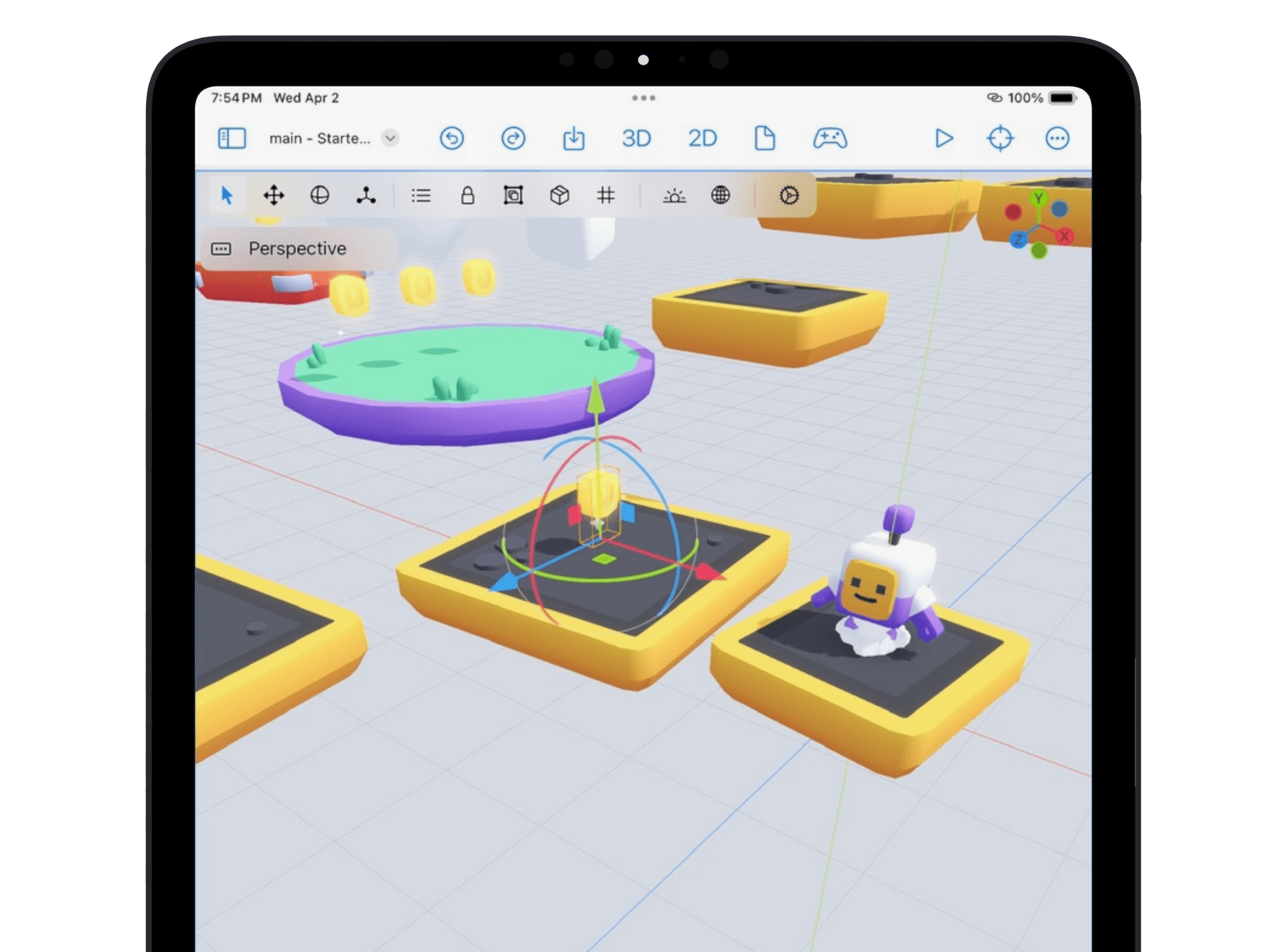
Build worlds with Godot's 3D tools, including a scene system, advanced lighting, and flexible scripting.
Xogot for iOS
Godot for iPad and iPhone
A native Godot editor for building, running, debugging, and sharing games from your iPad or iPhone.
Education
Get full access to Xogot for one year, completely free.

Features
Xogot puts the full power of a professional game development environment in your hands.
Build worlds with Godot's 3D tools, including a scene system, advanced lighting, and flexible scripting.
Create games with approachable 2D tools, a tile map editor, scalable layout, and a dedicated 2D pipeline.
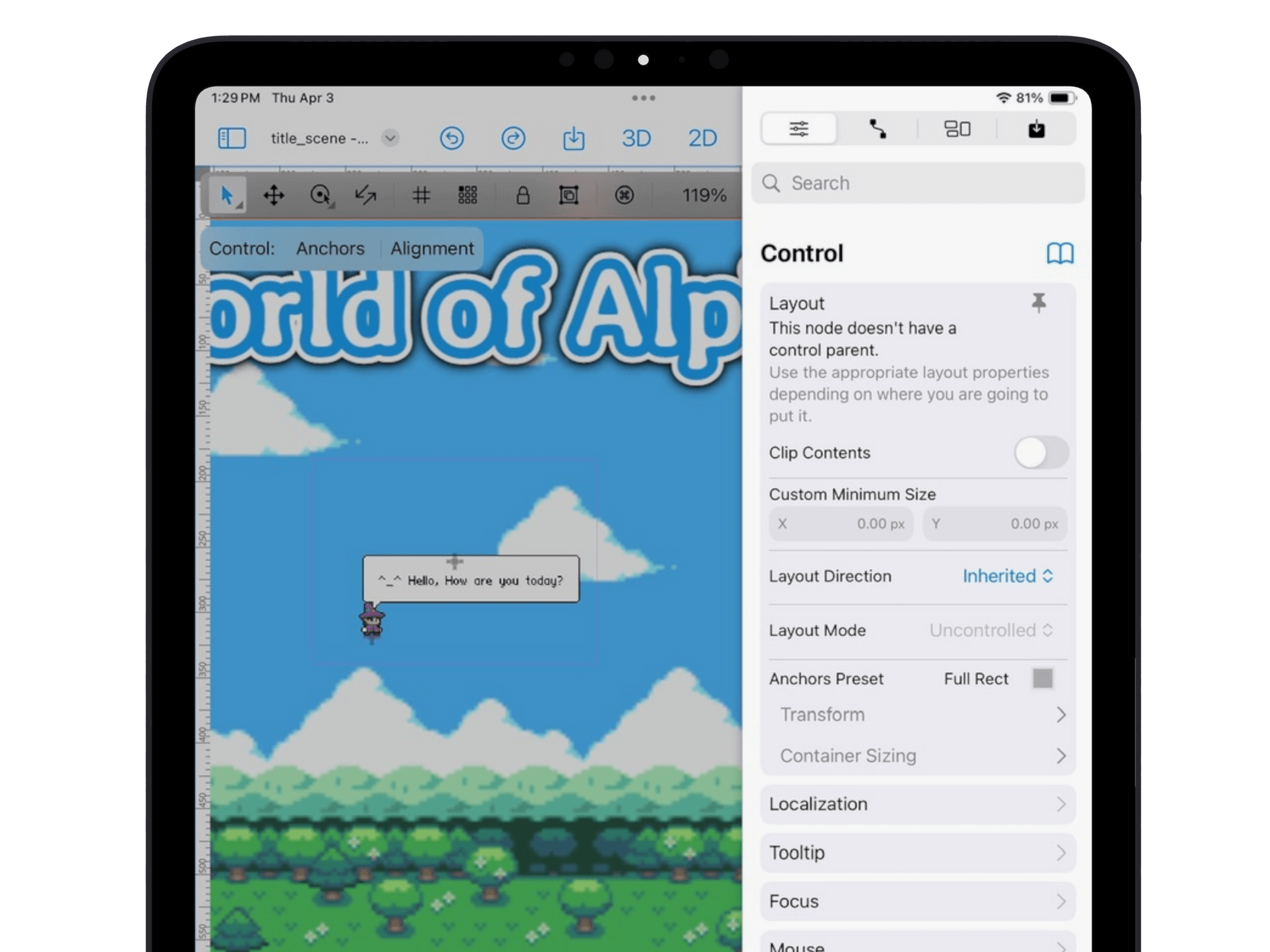
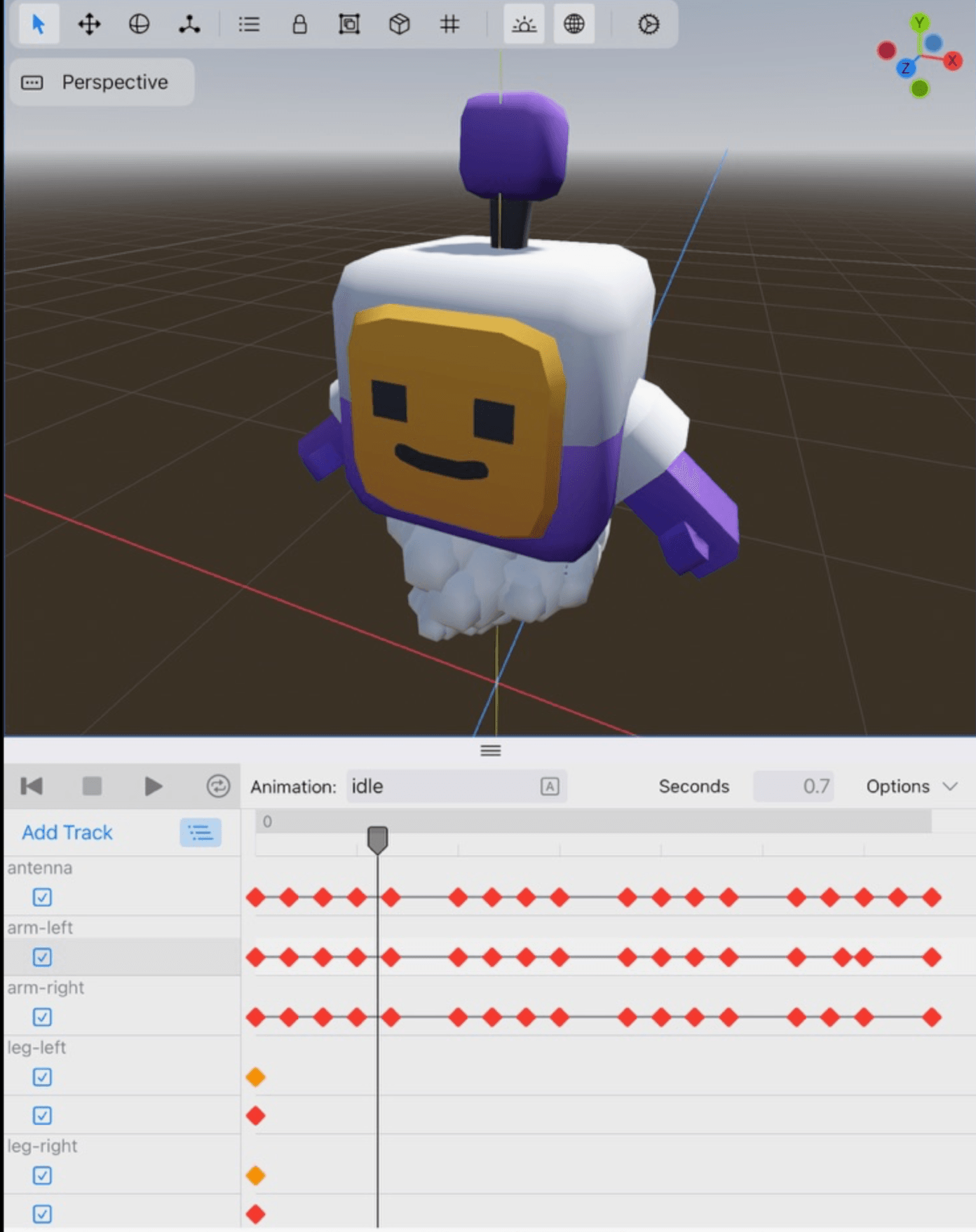
Animate characters, UI, and more with timeline editing designed for touch.
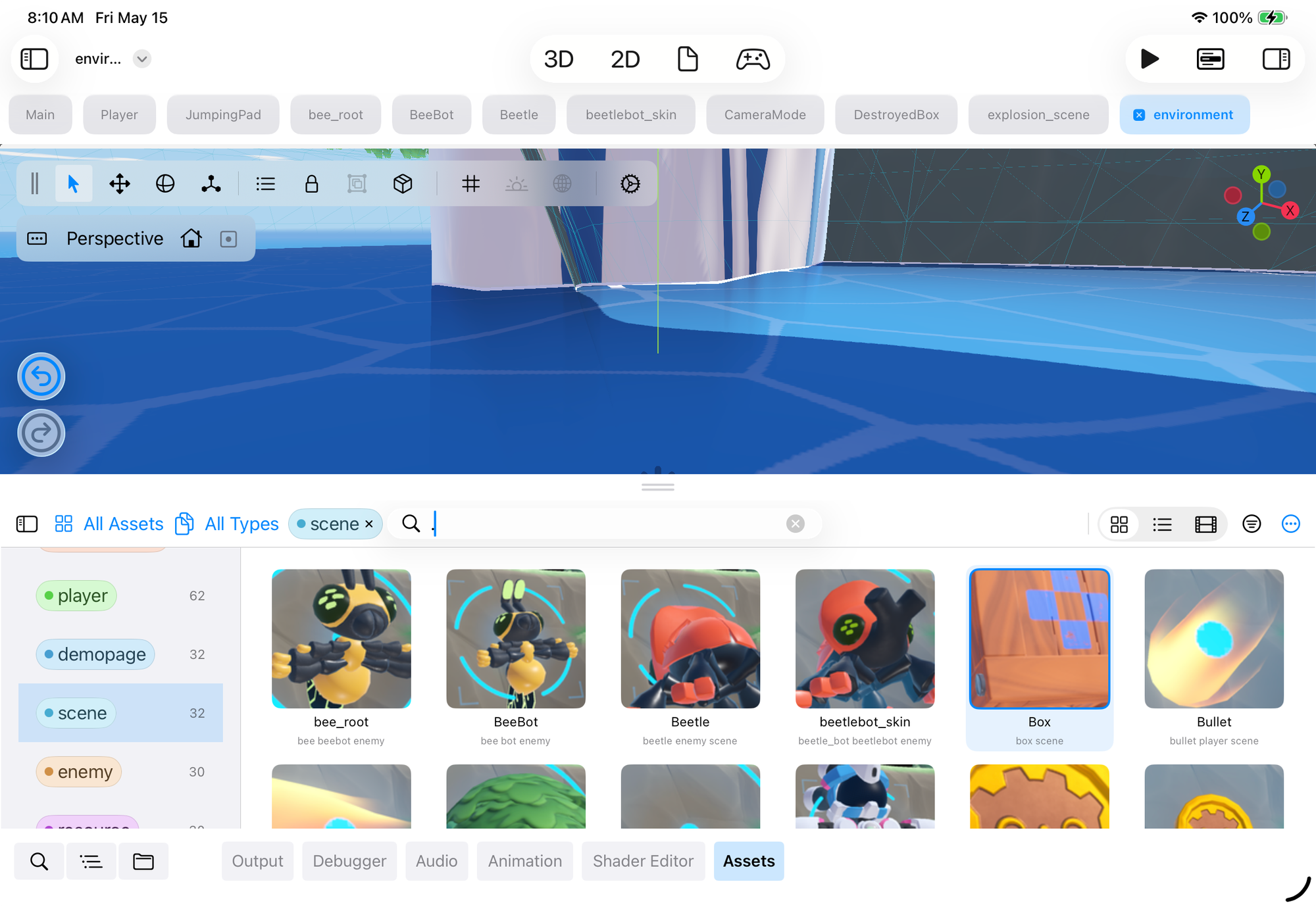
Turn imported asset packs into usable building blocks. Browse generated thumbnails, then place, align, paint, and scatter 3D objects directly into your scene so environments come together faster.
Powered by Godot, Xogot lets you distribute games with a runtime free from commercial redistribution restrictions.
3D Modeling
Block out levels, build simple props, and refine meshes down to vertices, edges, and faces. Paint materials, align UVs, and add collision without leaving Xogot.
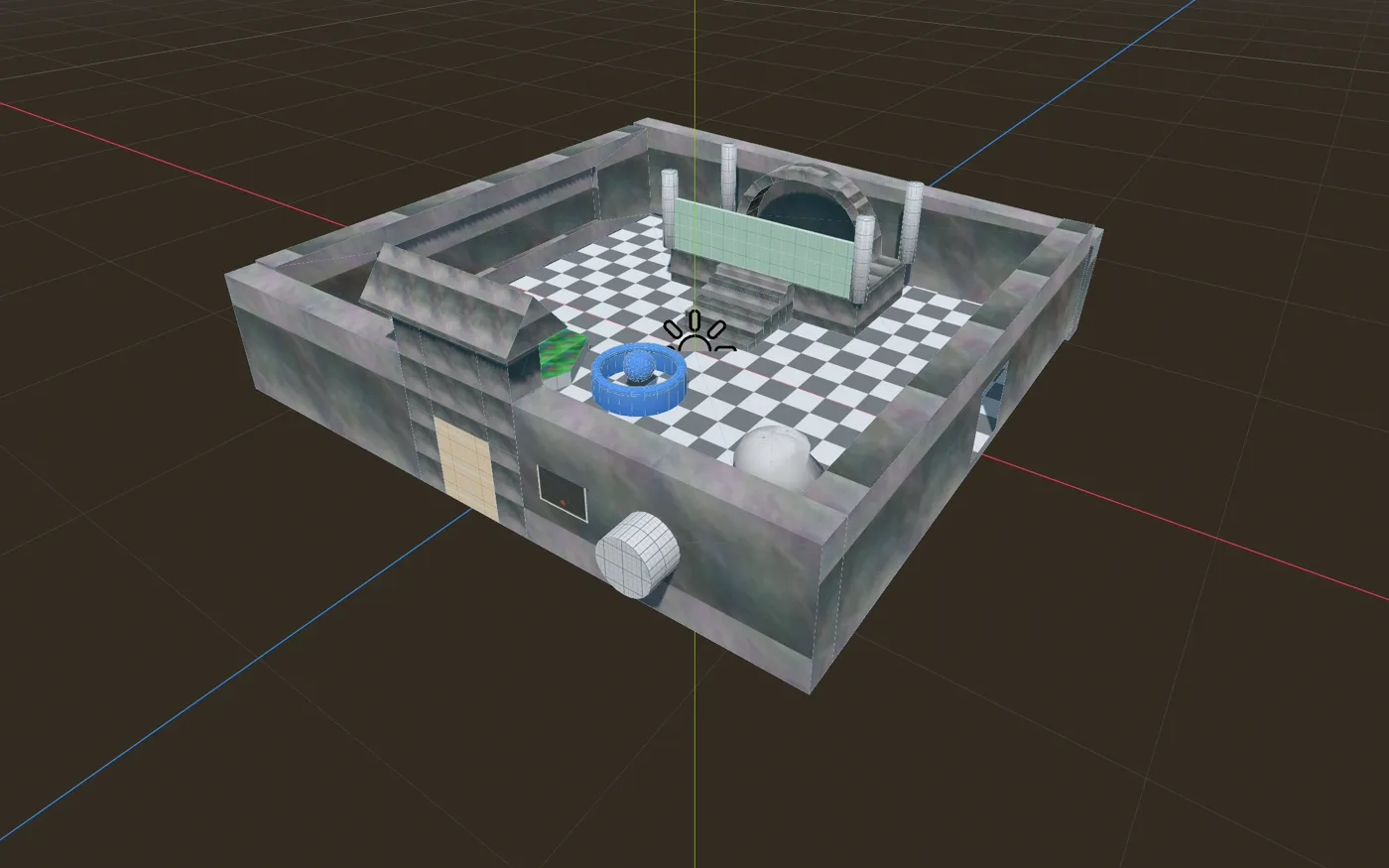
Vertex, edge, and face editing
Sketch Bézier paths and extrude them into curved geometry.
Apply materials to selected faces and give your geometry its own look.
Asset Management
Turn imported asset packs into usable building blocks. Browse generated thumbnails, then place, align, paint, and scatter 3D objects directly into your scene so environments come together faster.
Choose the placement mode that matches the job: freeform props, grid-aligned modules, surface-aware placement, or scatter painting with spacing and randomness.
Drop natural props like trees, rocks, and grass exactly where they feel right.
Line up paths, platforms, buildings, and modular pieces cleanly.
Place objects onto uneven terrain using the scene surface as the guide.
Paint many objects quickly with spacing and randomness for organic scenes.
Native Workflow
Xogot embraces iPad and iOS conventions to give you a smooth, native experience that feels right at home on your favorite device.
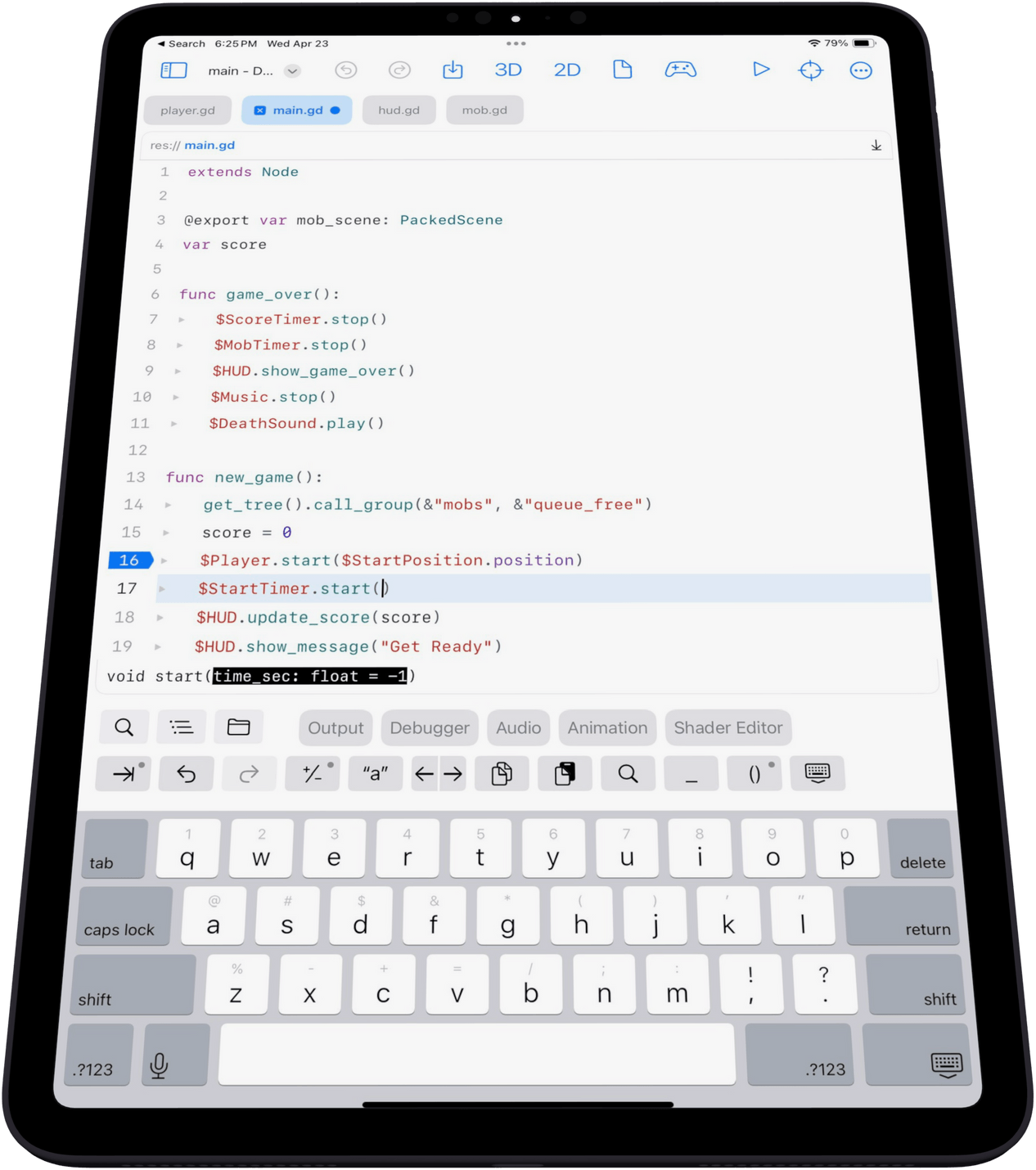
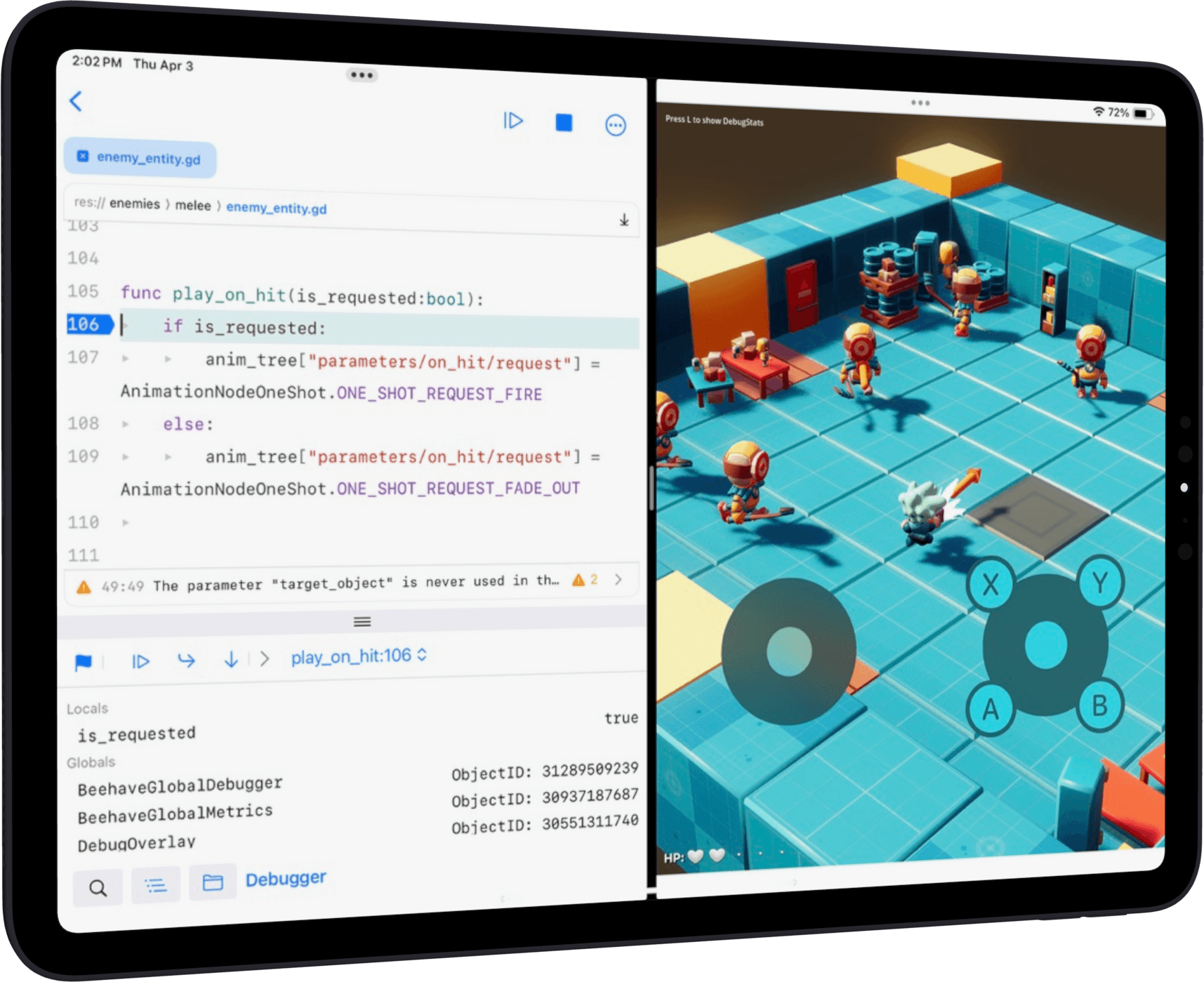
Xogot's code editor is 100% native for productive GDScript editing, with an integrated debugger for breakpoints, state inspection, and profiling directly on iPad or iPhone.
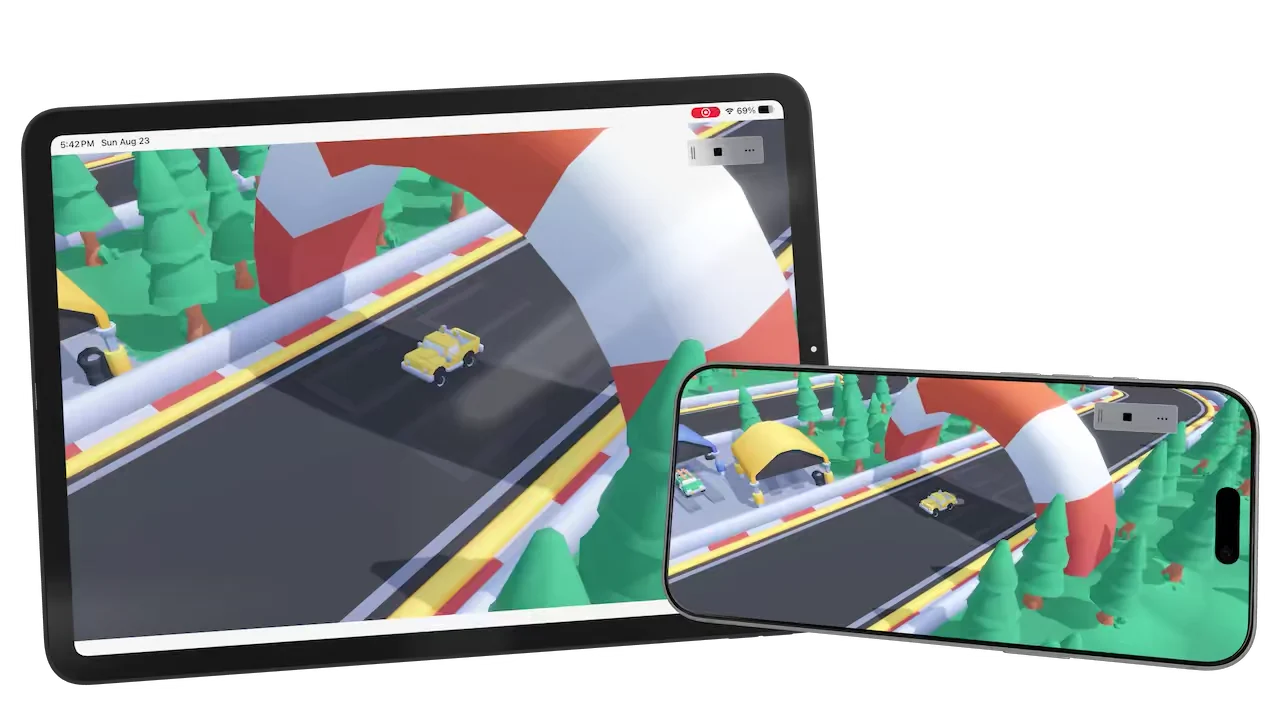
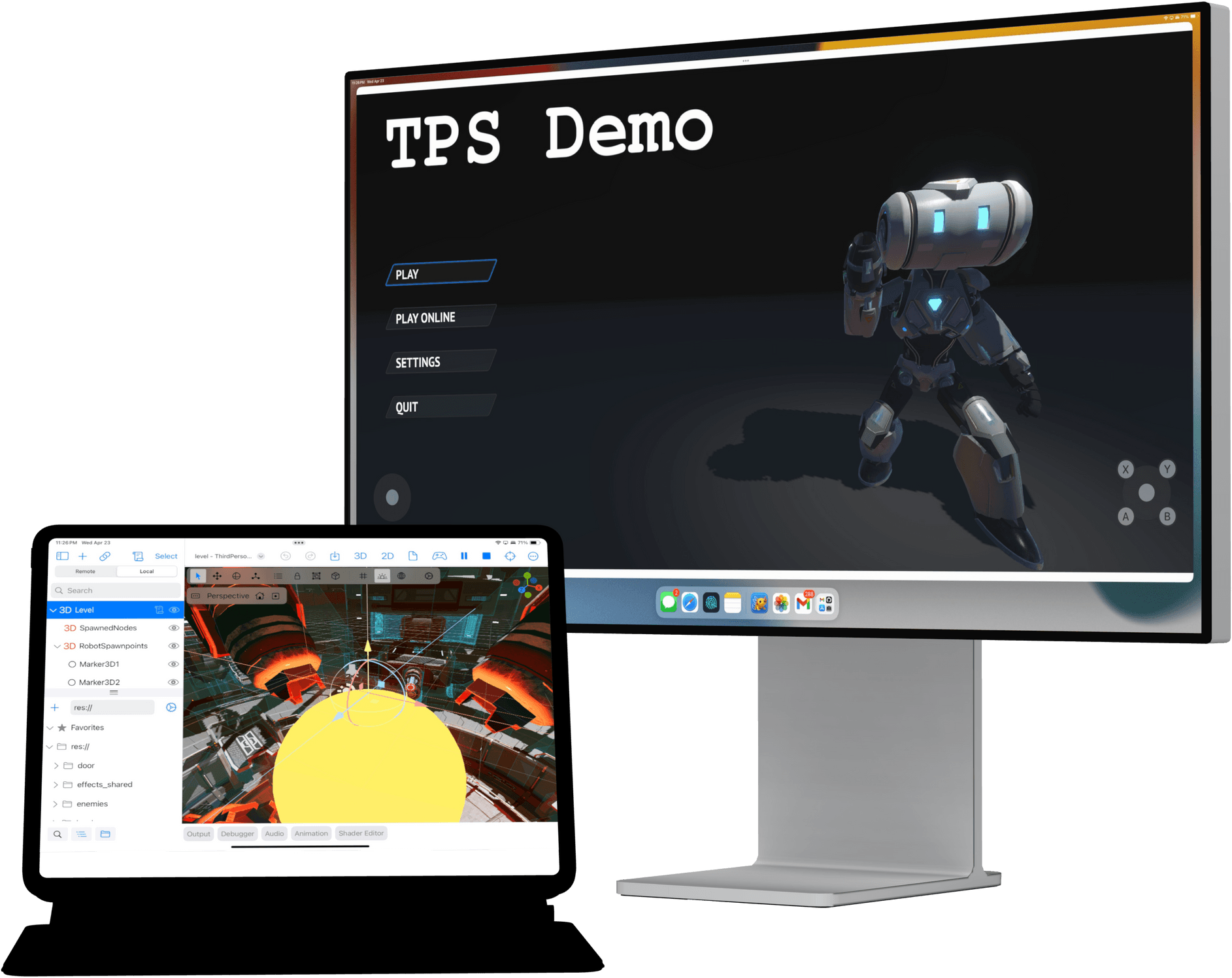
Targeting iPhone or iPad? Xogot simplifies mobile development by letting you build and run on the same device.
Give players a range of input options with support for external accessories, including Bluetooth controllers, mice, and keyboards.

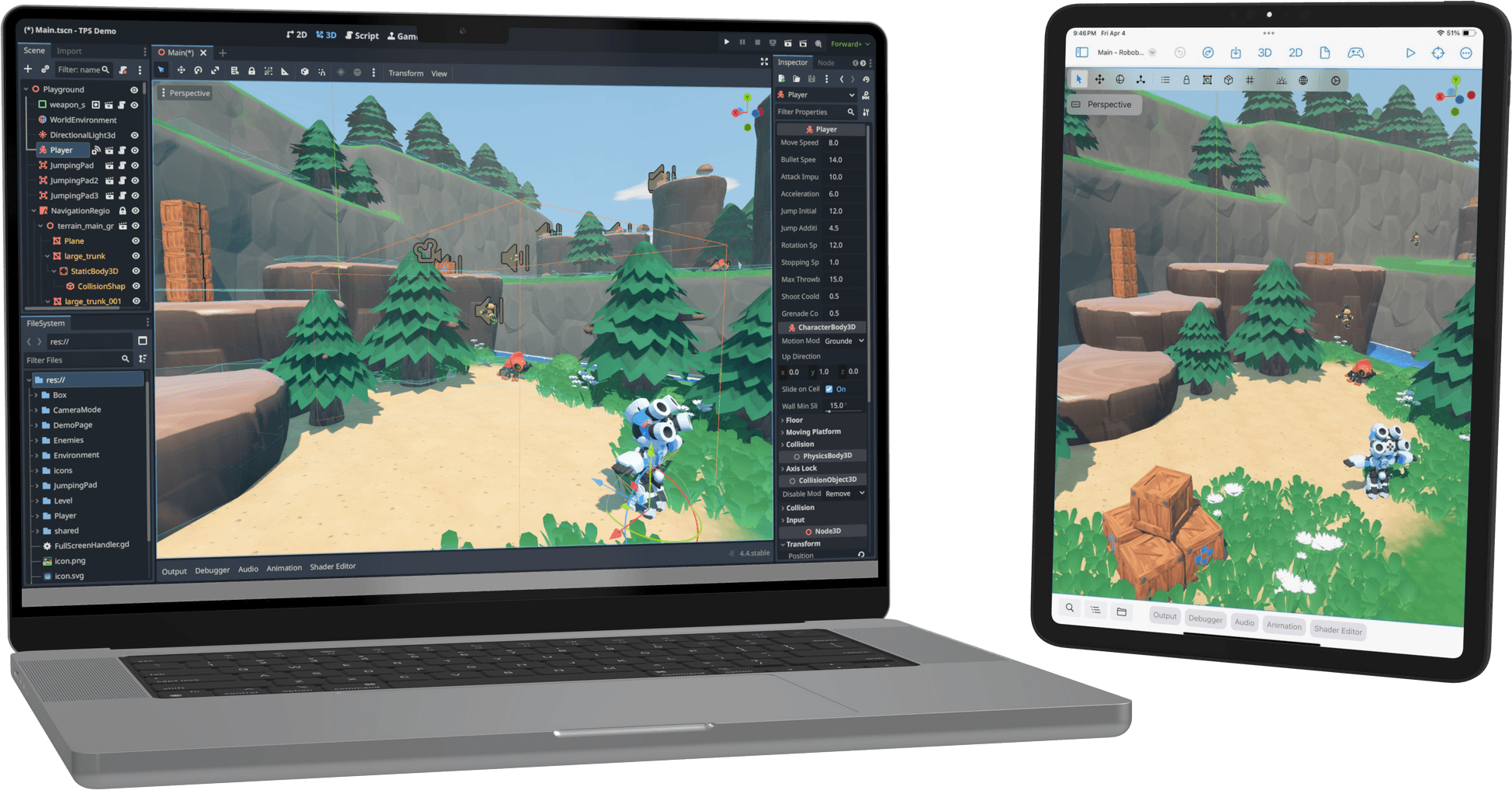
Xogot is based on the latest Godot release, giving you access to the latest features and improvements. Projects created in Xogot can be opened and modified in Godot on the desktop.
Onboarding
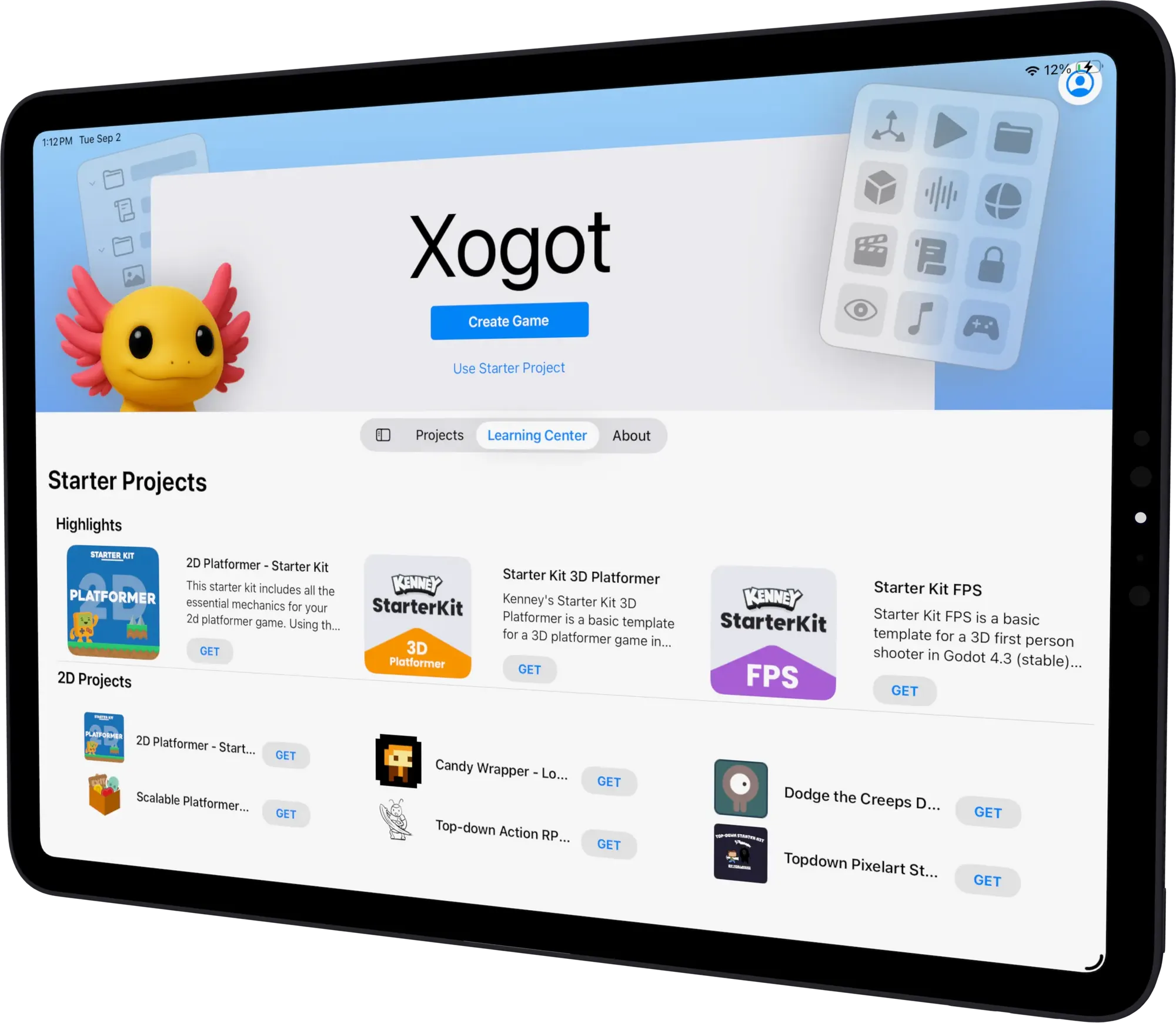
Choose a first-person shooter, platformer, or 2D action RPG template and get a working project running in minutes.
Use Godot's asset library to find free tools, scripts, and 2D or 3D assets.
Read API documentation, lessons, and tutorials without leaving your development flow.
Publishing
Export to WebAssembly and share your game with a link playable in any modern browser, or use Godot on desktop to publish to iPhone, iPad, Android, Windows, Steam, consoles, and more.
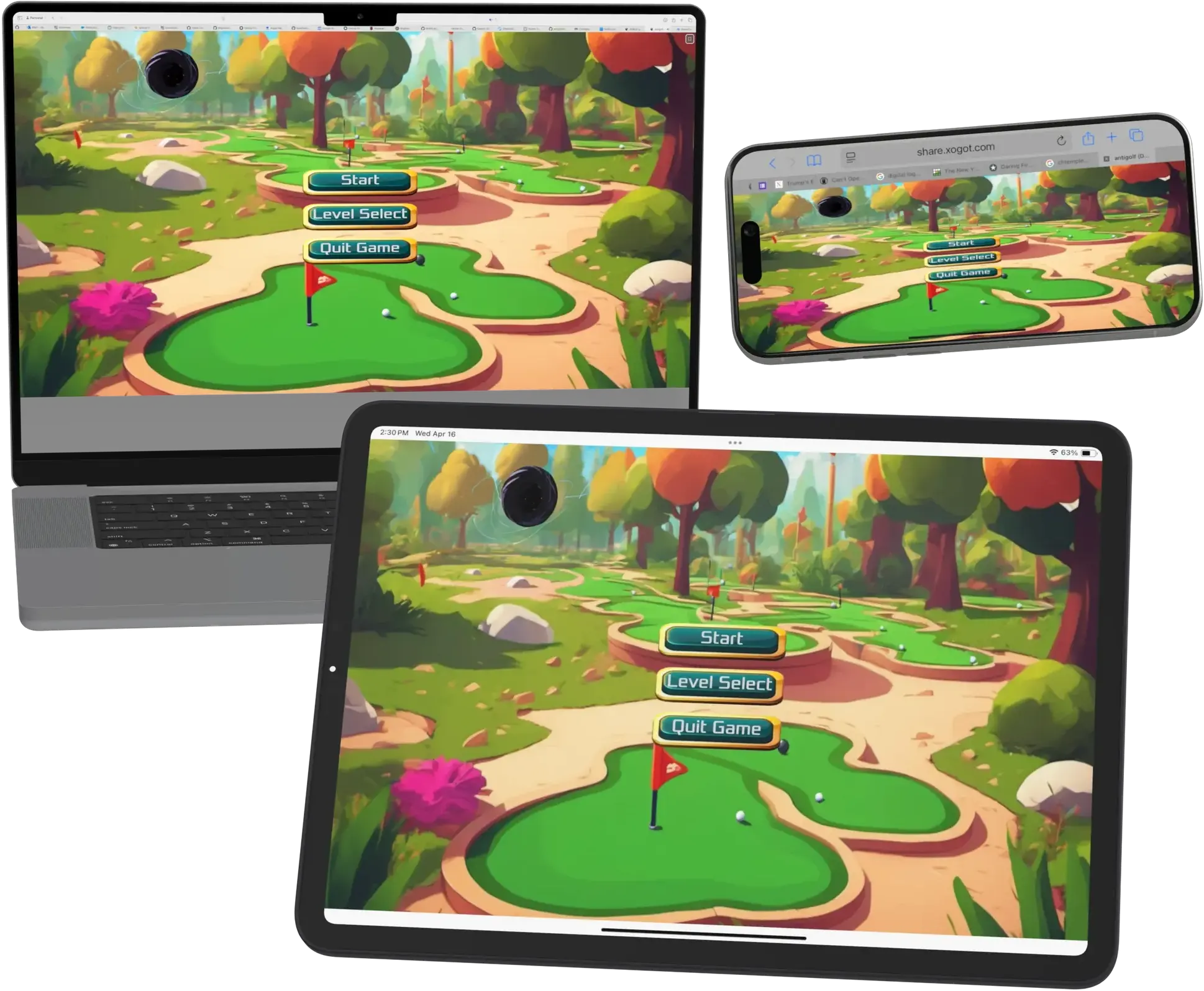
Use Stage Manager to split your work across multiple displays on supported iPad models. Code on one screen, test and design on another, and arrange windows to suit your style.
Import projects from iCloud, USB drives, or GitHub through Working Copy and keep building on the go.
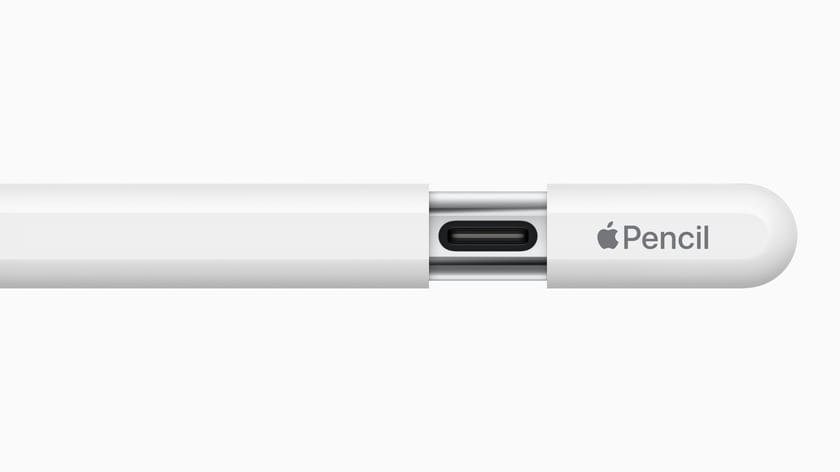
Edit 2D and 3D scenes in fine detail with Apple Pencil.