

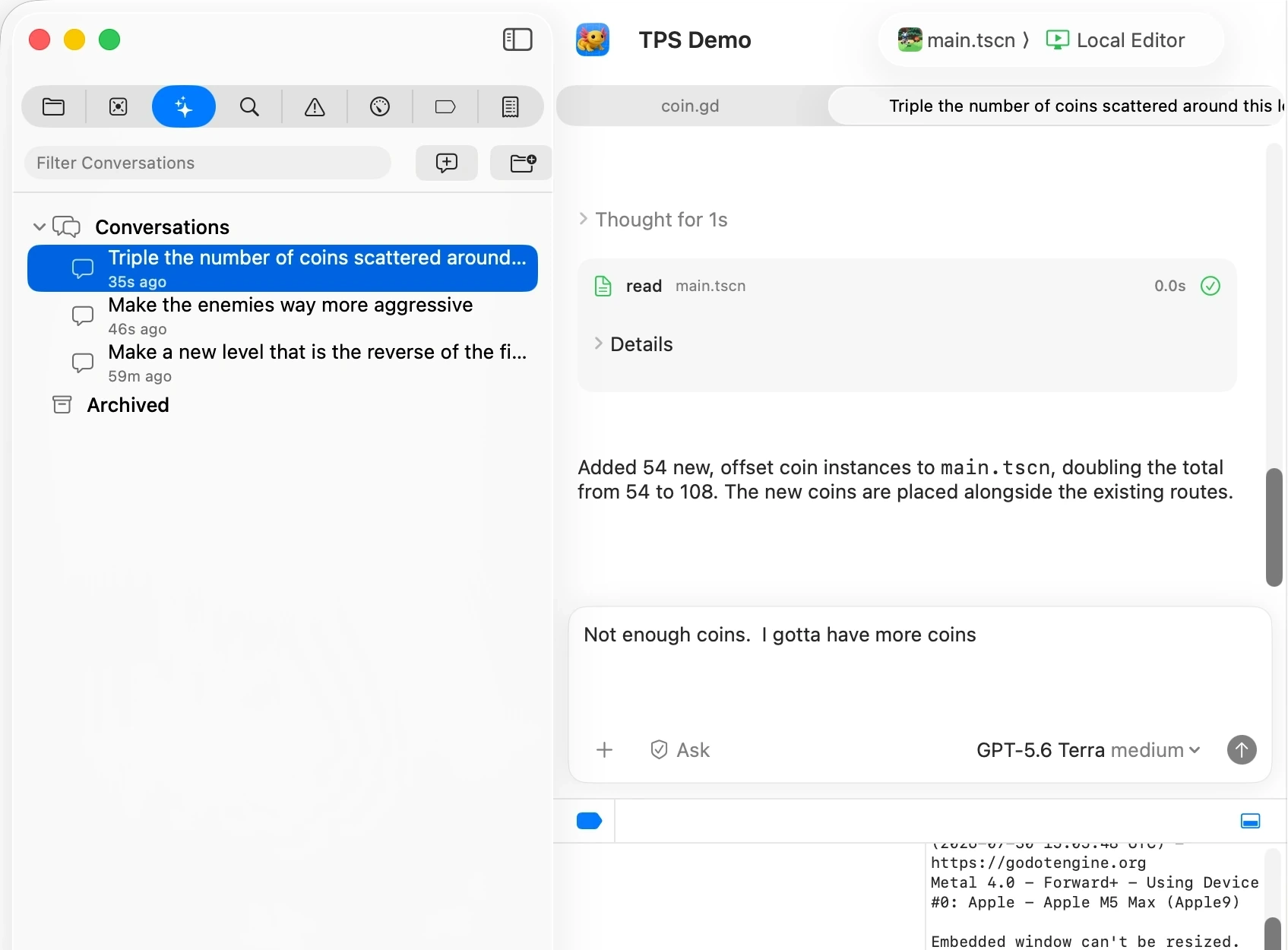
Bundled coding agent
Build with an agent.
Use Xogot’s built-in agent to read your project, edit scenes and scripts, run commands, and explain changes without switching apps.
Learn moreBuild Games with AI
Build and improve Godot games with AI that can work directly with you. Use the built-in Coding Assistant, or connect your preferred coding agent through xo to inspect scenes, make changes, run your project, and debug.
Xogot for Mac Beta
AI-assisted development
Move from question to working change with less setup and less context switching. Xogot connects AI directly to your project, editor, and development tools.
Bundled coding agent
Use Xogot’s built-in agent to read your project, edit scenes and scripts, run commands, and explain changes without switching apps.
Learn more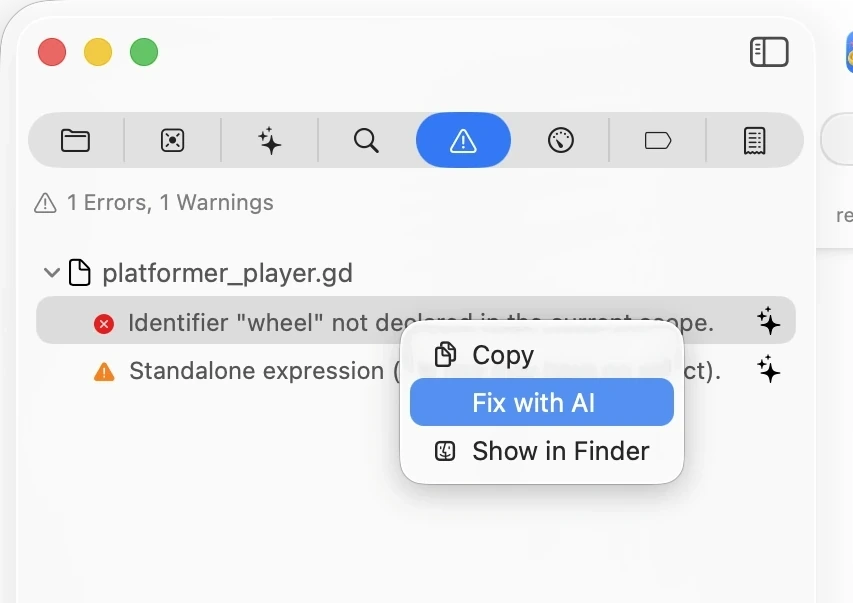
Contextual operations
Start from the issue you are viewing so the agent can diagnose it, make the fix, and report back.
Learn more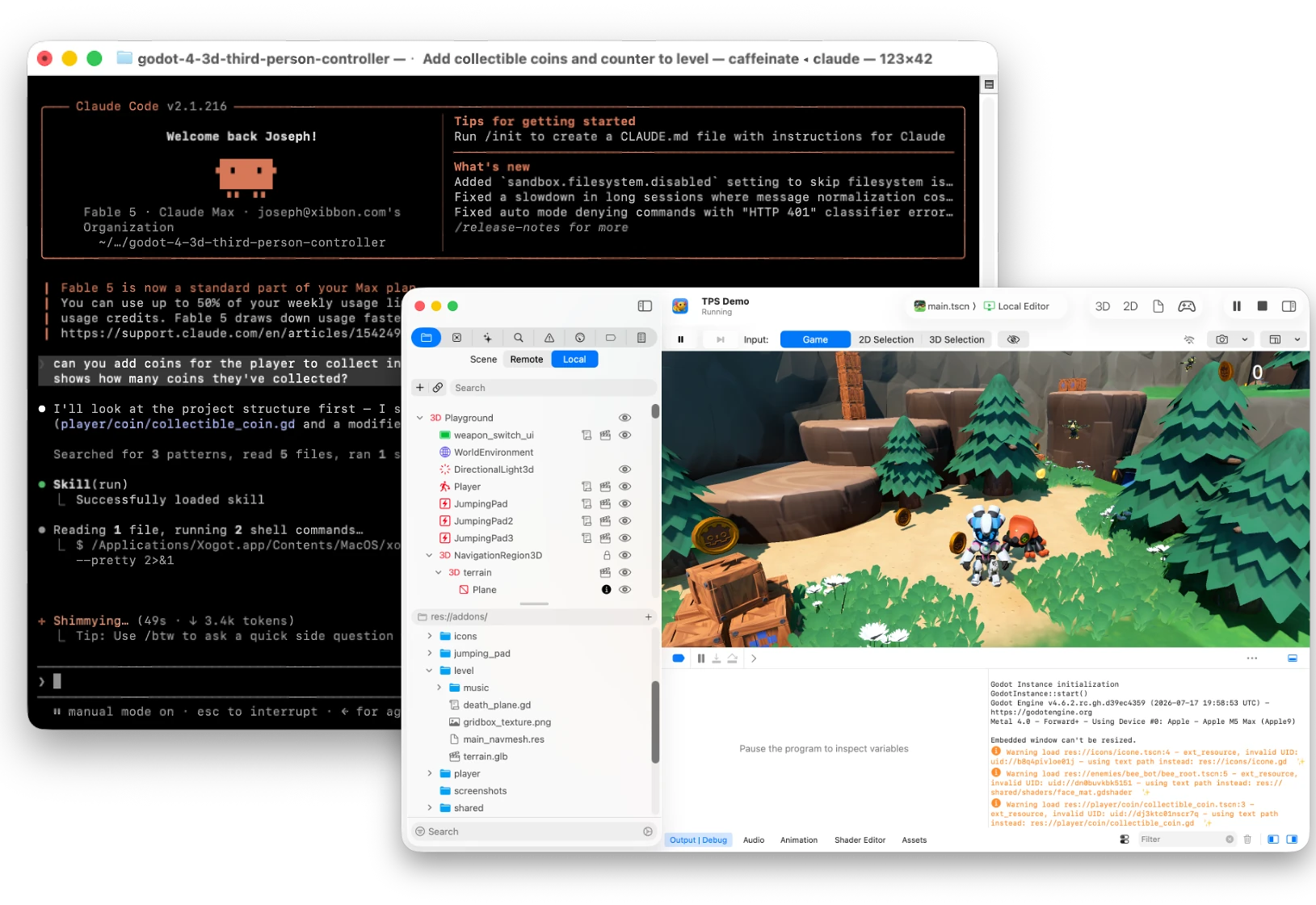
Command-line integration
Install skills for Codex, Claude, Gemini, Pi, Cursor, and more to drive Xogot from the command line using the bundled xo tool.
MCP integration
Extend the built-in Coding Assistant with optional MCP servers for additional services and information. Xogot already provides its own project and editor tools, so you can add connections as your workflow grows.
Explore MCP server connections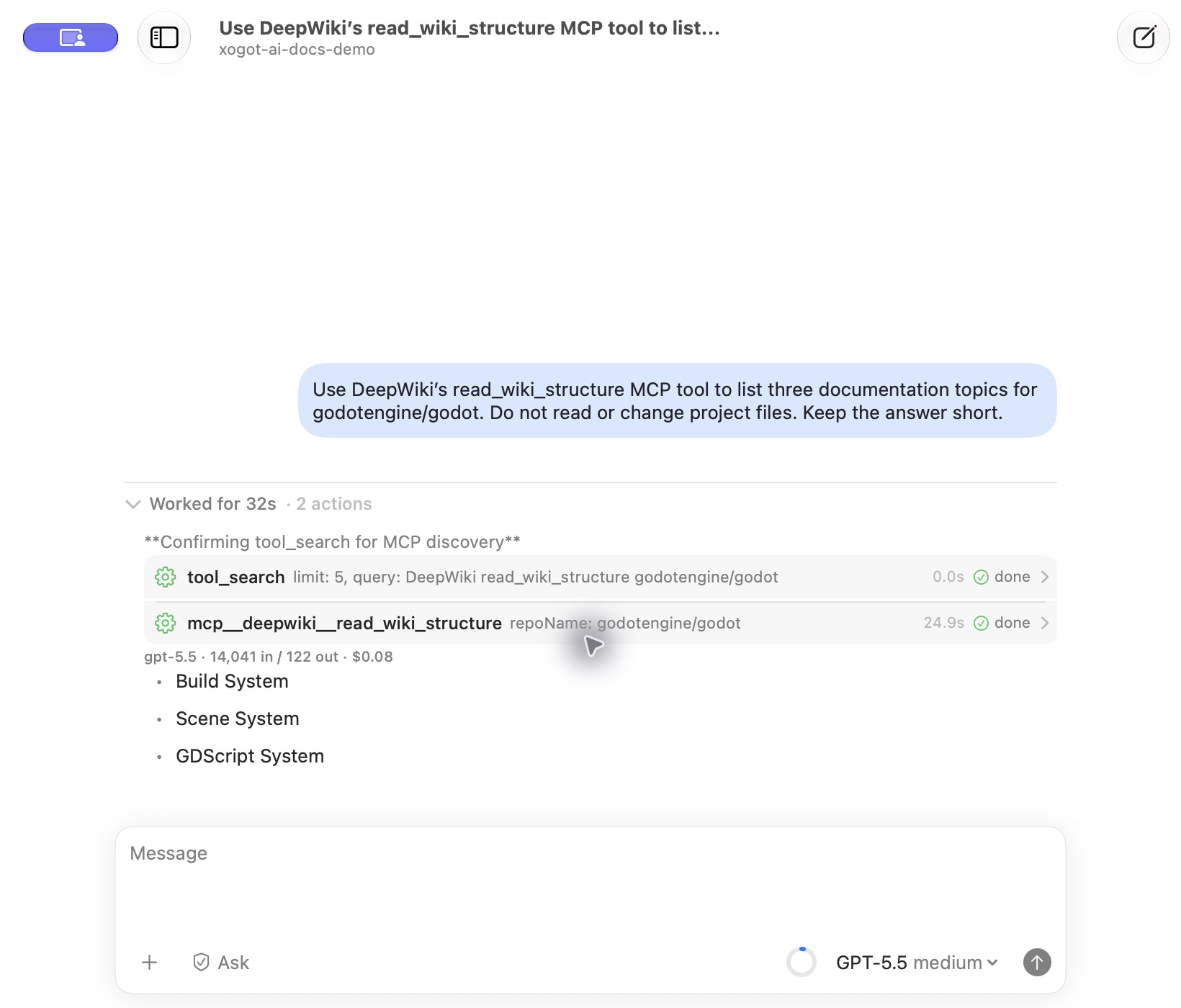
Built with Xogot
Check out these videos to see how you can build new games and improve existing projects with Xogot’s external-agent tools and built-in assistant.

External agent + xo
Watch an external coding agent build a game with Xogot. The workflow highlights the bundled Xogot skill and command-line integration, connecting the agent directly to the editor as the project takes shape.
Letta Corporation × Xogot
Watch on YouTube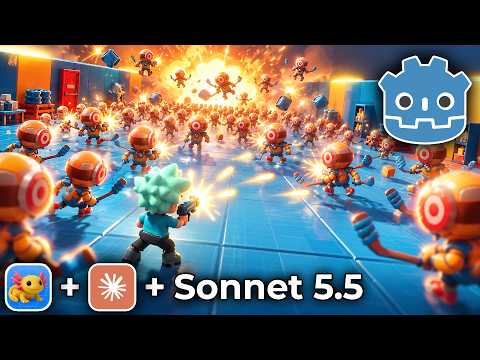
Built-in Coding Assistant
See Xogot’s built-in assistant improve an existing 3D twin-stick shooter with lighting, menus, camera options, audio, and touch controls. The walkthrough shows how AI can help extend a project you already have, with changes made inside the editor.
Letta Corporation × Xogot
Watch on YouTube
Built-in Coding Assistant
Follow Reel Tycoon from a game idea to a playable 3D fishing game using Xogot’s built-in assistant. The walkthrough covers planning, gameplay development, interface refinement, and testing across Mac, iPad, and iPhone.
Letta Corporation × Xogot
Watch on YouTube
External agent + xo
Follow development of Container Yard using an external coding agent and Xogot’s xo tools. Explore the connection between the game design document, iterative development, and the project’s published build history.
Letta Corporation × Xogot
Watch on YouTubeStart a new game or open an existing Godot project. Build with Xogot’s Coding Assistant, or connect your coding agent with xo.