

Xogot Connect
Xogot Connect
Remote Debugging for Godot on iPhone and iPad
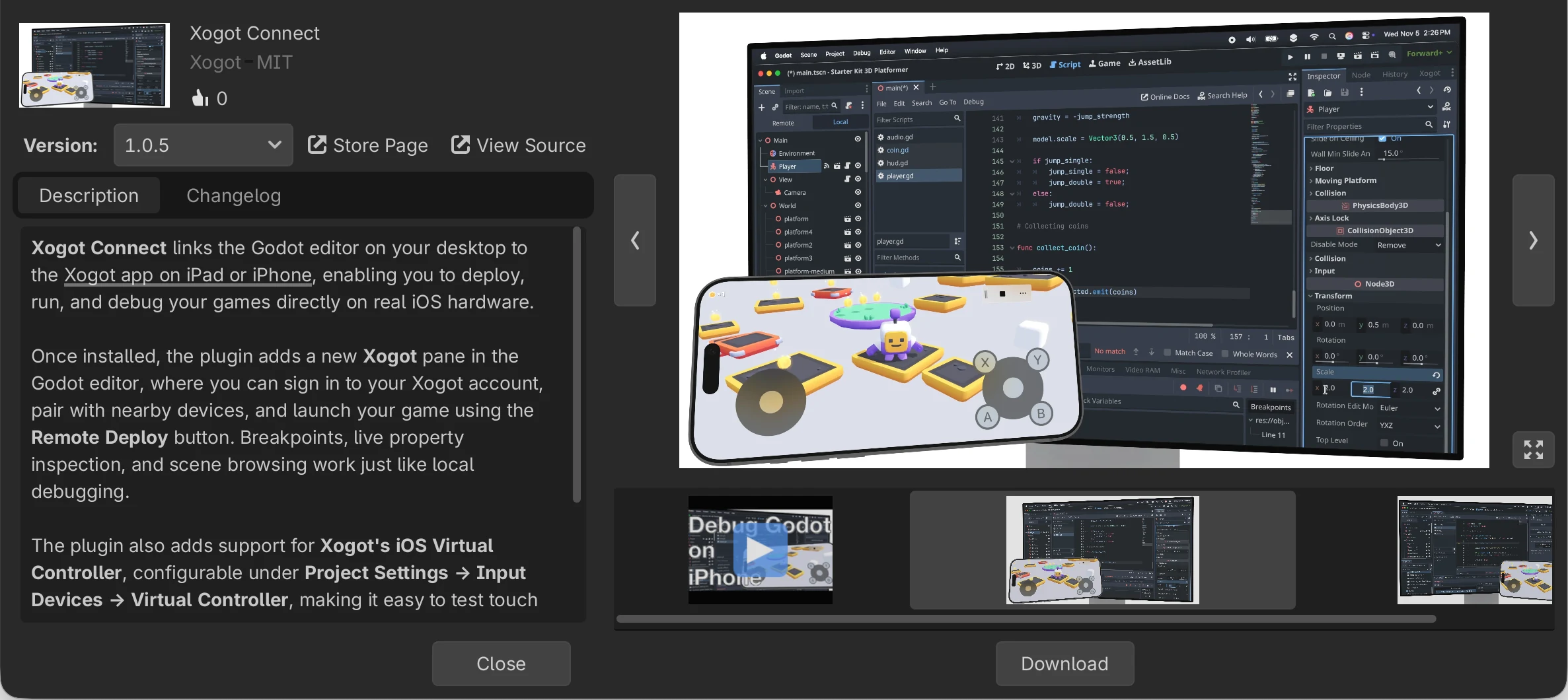
With Xogot Pro on your iPhone or iPad, deploy, test, and debug your project directly from Godot running on Windows, macOS, or Linux - no exporting or extra build steps required.

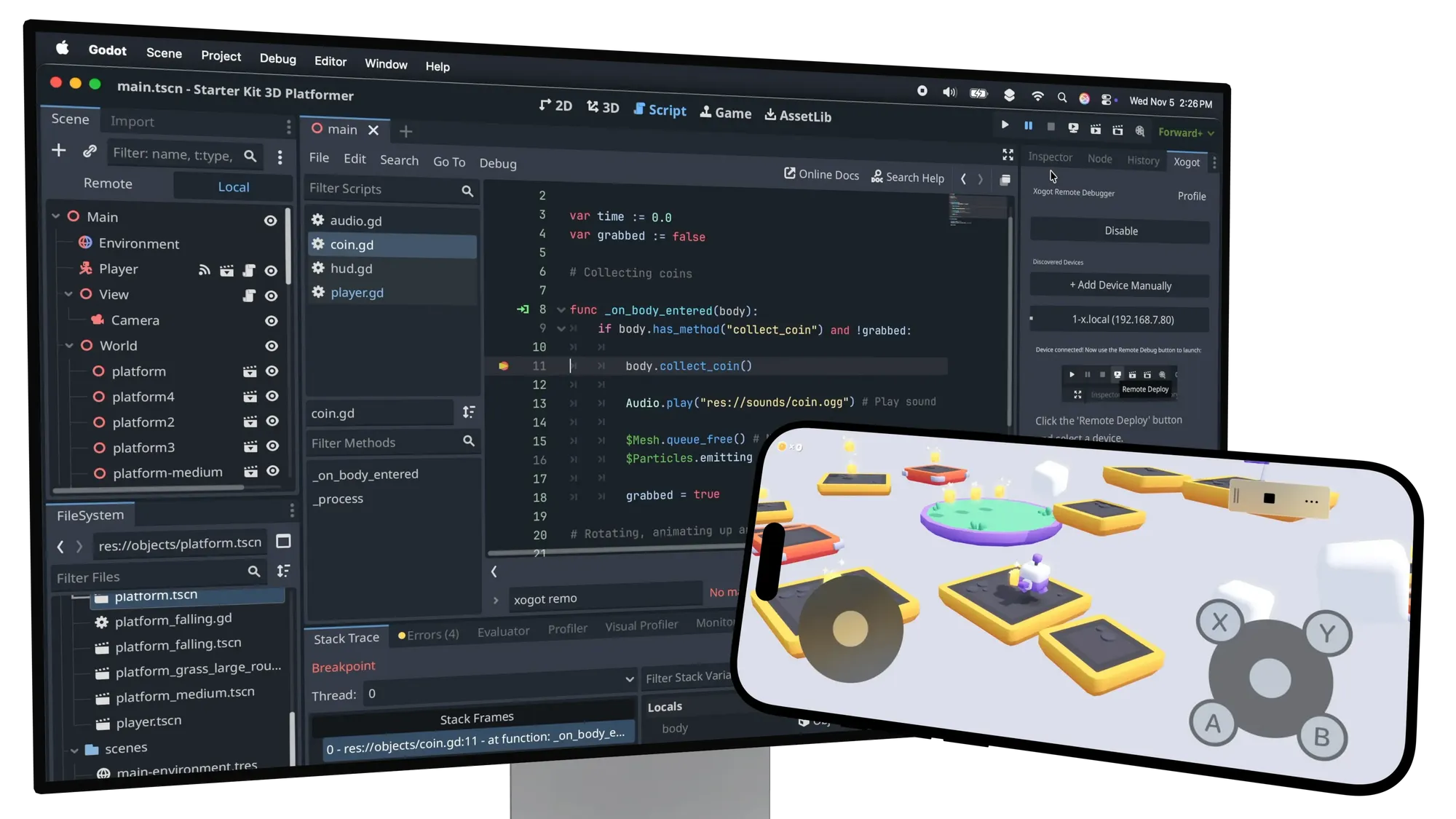
Connect, Deploy, and Debug Wirelessly
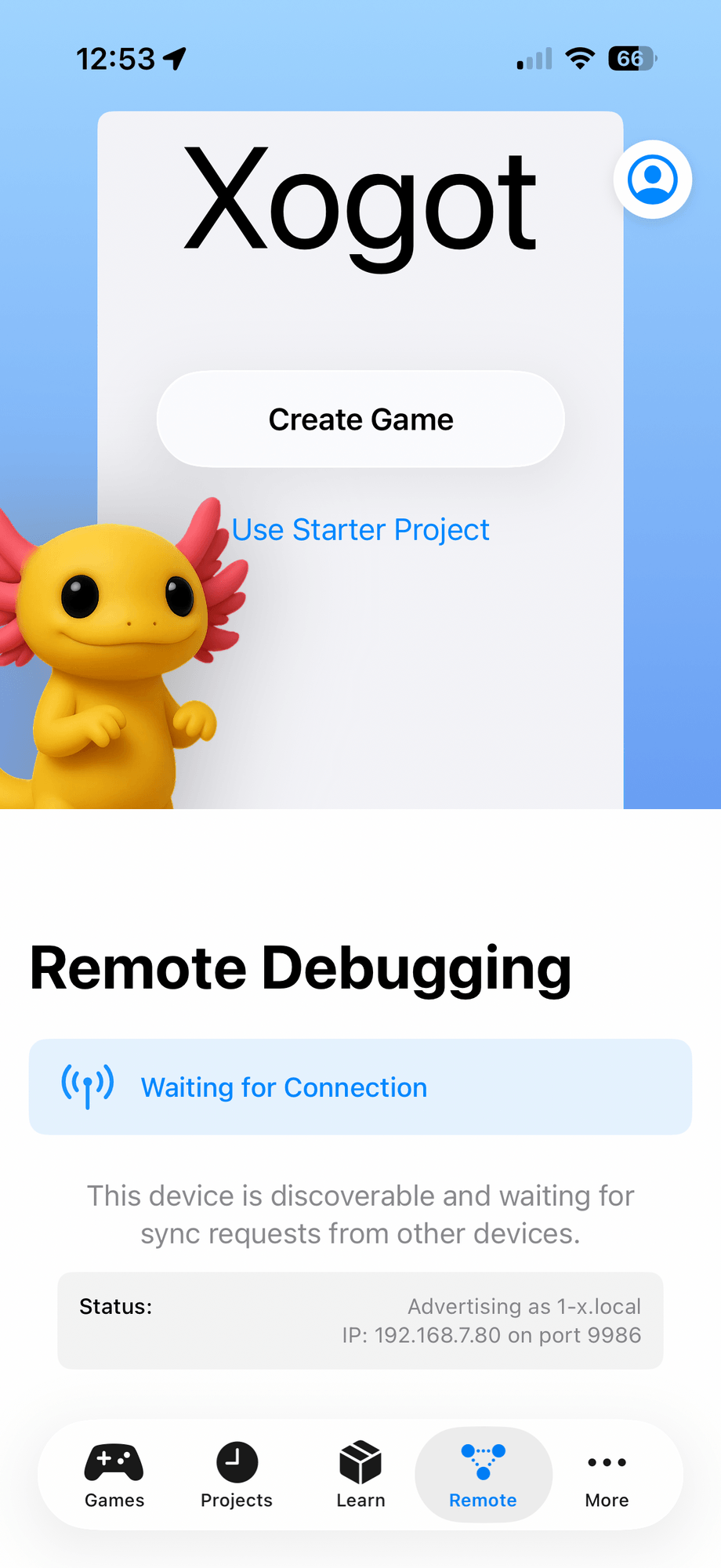
Pair with a device running Xogot on your local network and hit Remote Deploy to launch your project instantly on your iPhone or iPad.
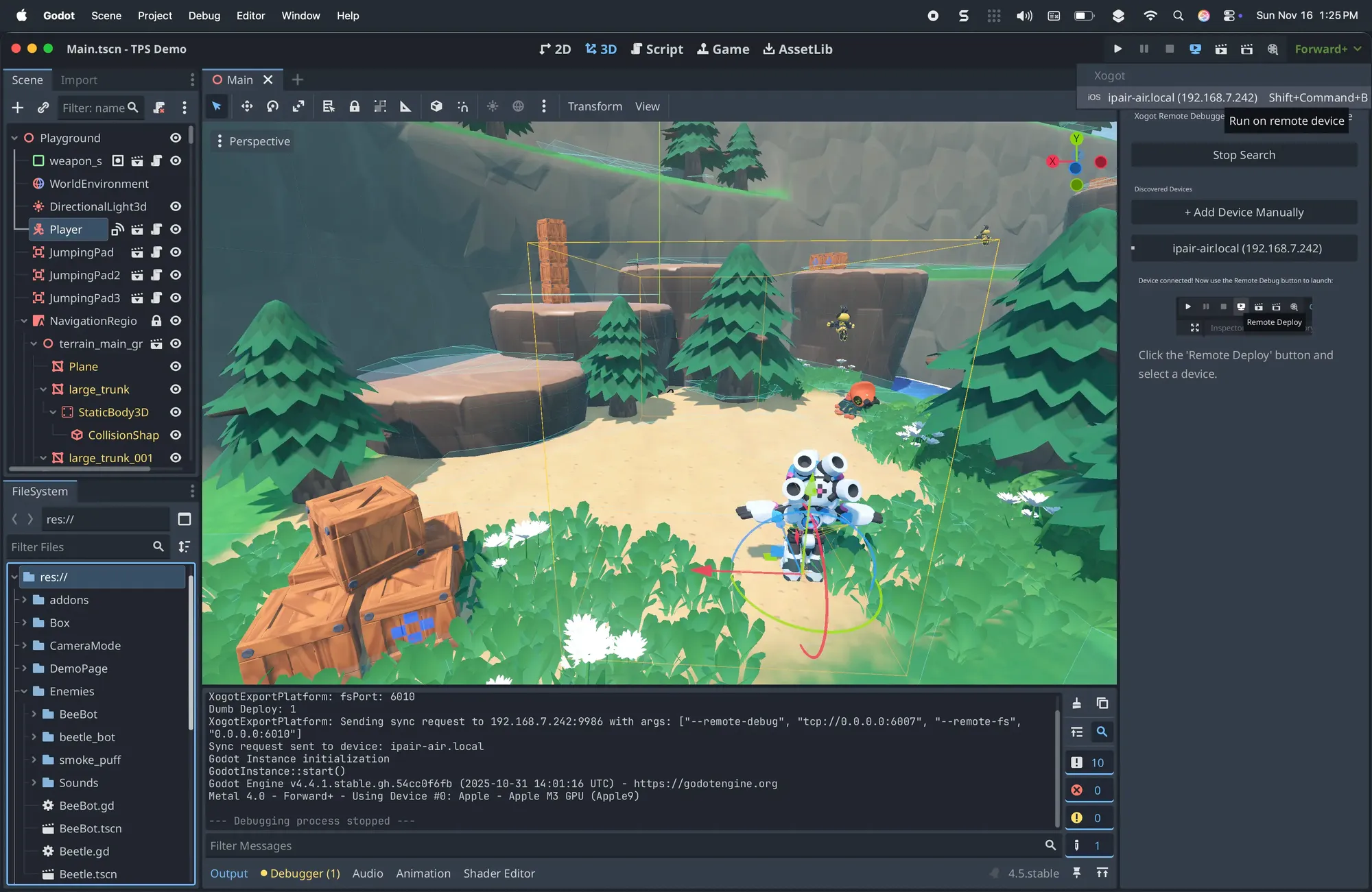
Step Through Breakpoints
Pause, stop, and resume execution - just like local debugging.
Easily Enable Onscreen Controls
Enable touch-based onscreen controls on projects that already have joystick input maps configured - no additional setup required.
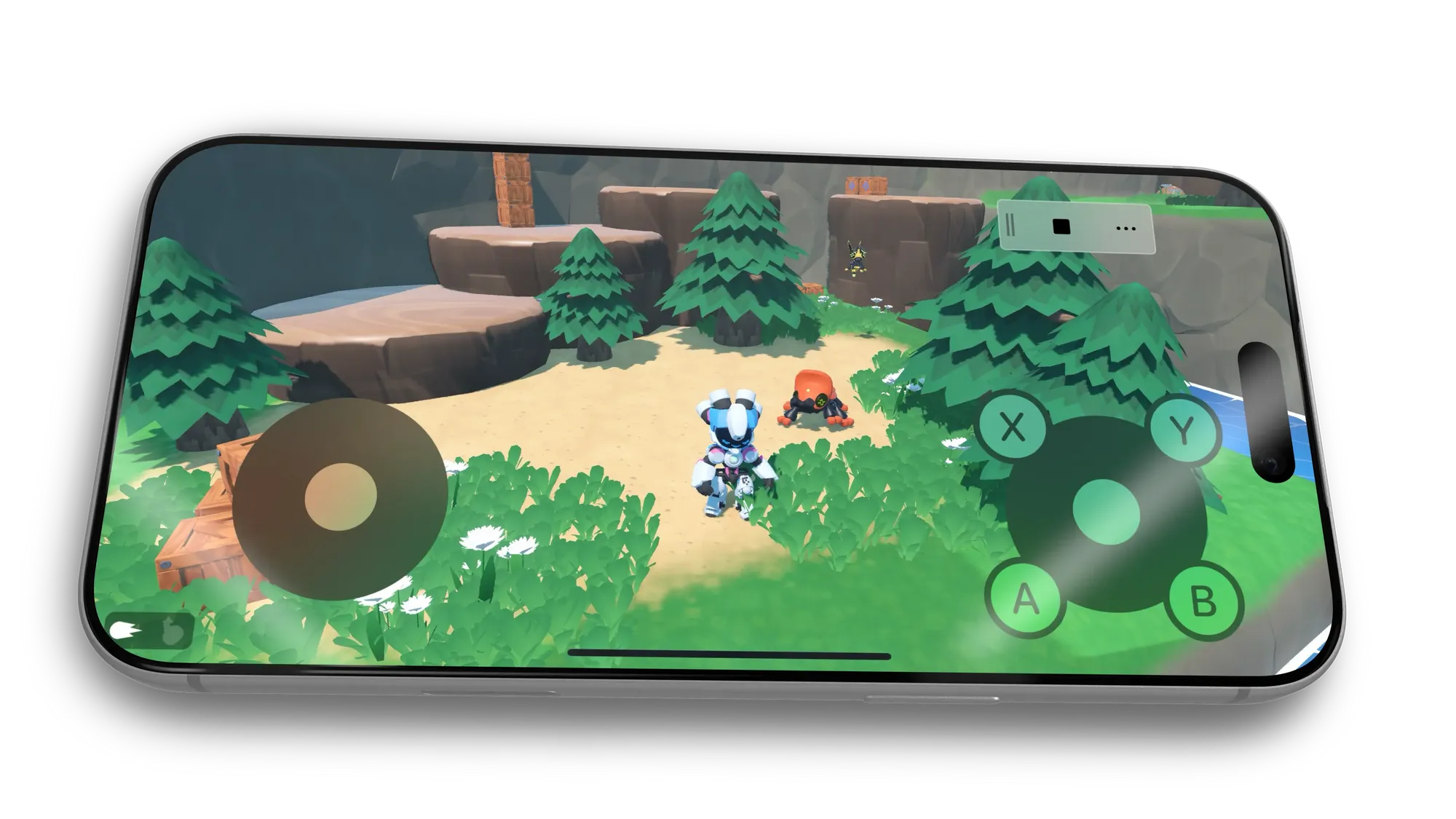
Live-test Changes in Realtime
Browse the remote scene tree, inspect nodes, and edit properties live to test tweaks instantly.
Available in the Godot Asset Store
Xogot Connect is a free, open-source Godot extension available through the Godot Asset Library and GitHub. Deploying, running, and debugging projects on a paired iPhone or iPad requires paid Xogot access on the device. See the Xogot Connect documentation for setup and usage instructions.

Video
See Xogot Connect in Action
The complete Godot-to-iPhone workflow: connect, deploy, debug, and live-edit without exporting or opening Xcode.